Clubhouse — Canvas

Canvas

An infinite spatial workspace where you arrange agents, terminals, file viewers, and browsers — connected by visible wires.

Your workspace, your layout

Canvas gives you an infinite 2D workspace. Drag agents, terminals, file viewers, browsers, and git diffs anywhere you want. Zoom in on a single agent's work or zoom out to see your entire project. No fixed panels, no tab limits — just space.

Canvas supports multiple tabs for different workspace configurations, cross-project mode for monitoring agents across repositories, and blueprint export/import so you can share layouts with your team.
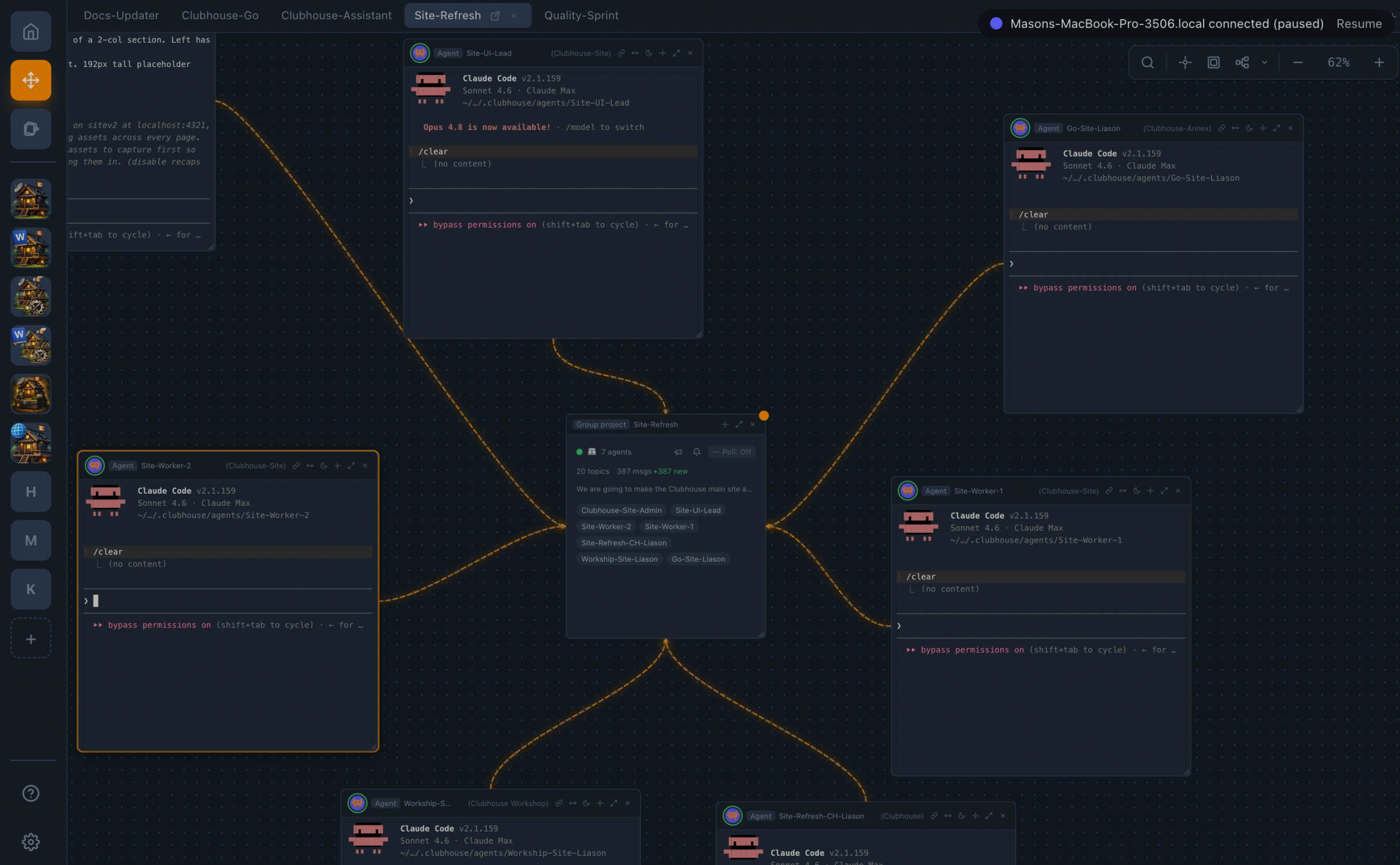
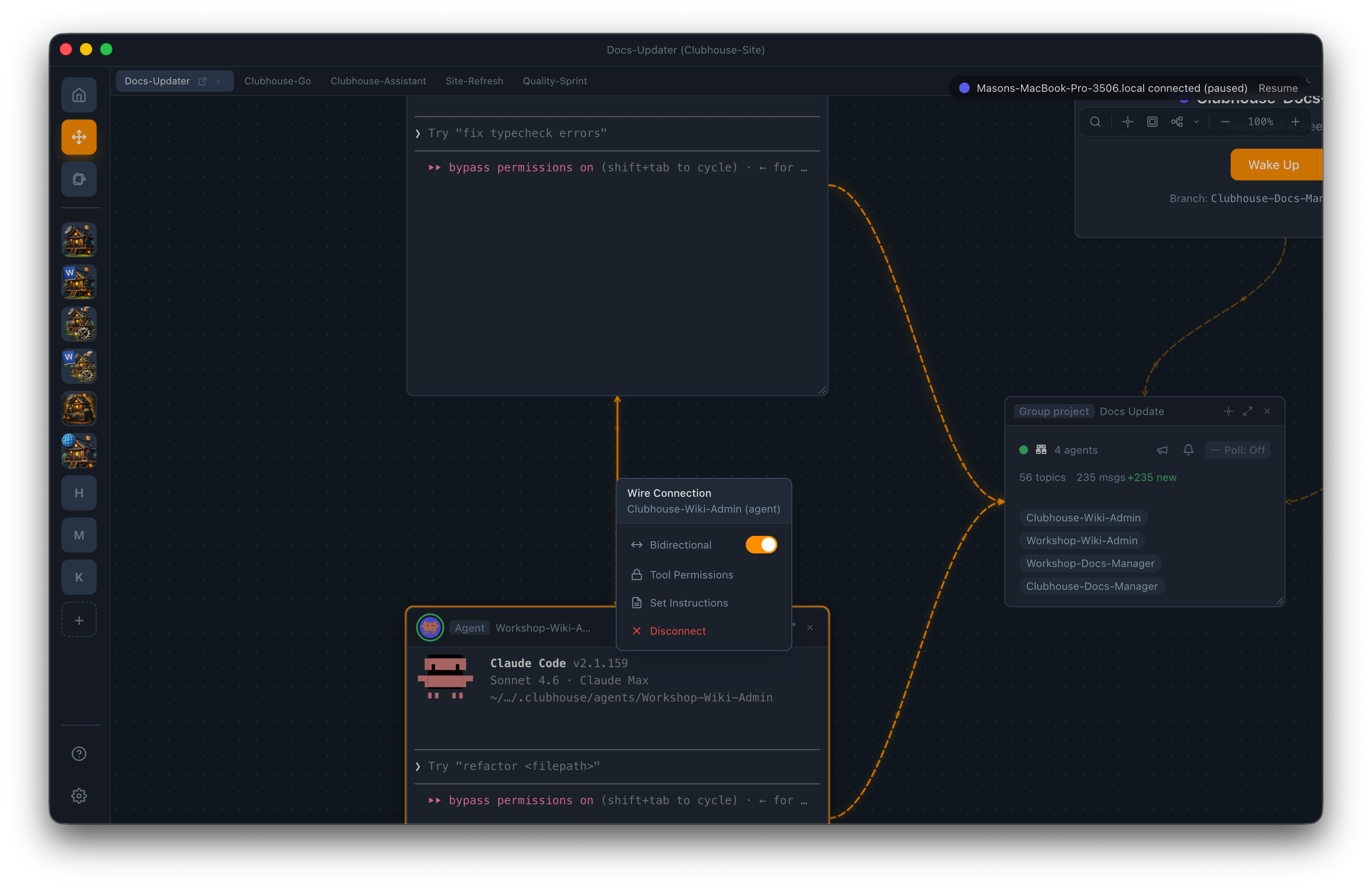
Canvas workspace

Widget types

These are the built-in widget types — each connects to agents via Wires. Plugins can add their own widget types, so the Canvas is always extensible.

Agent View

Live view into an agent's terminal or structured output. See what they're doing in real time.

File View

Monaco editor with syntax highlighting for 40+ languages, file tree navigation, and markdown preview.

Git Diff View

Side-by-side or unified diff for any file or commit. Review agent changes without leaving the canvas.

Terminal View

Interactive shell session with PTY support, auto-reconnect, and keyboard shortcuts. Agents can drive it via Wires.

Browser View

Sandboxed Chromium webview for testing web apps. DevTools support. Agent-drivable via Wires for navigation and screenshots.

Group Project

Bulletin board for multi-agent coordination. Topic-based messaging, member status, and system lifecycle events.

Visible connections

MCP Wires are Bezier curves that connect agents to the widgets they work with. Every connection is visible on the canvas — you always know who has access to what.

Wire tool reference

Wire Target Tools Granted
Browser navigate, screenshot, click, evaluate JS, get page content
Terminal pty:input, pty:resize, pty:getBuffer
Agent send_message, read_output, wake, check_status, send_file
Group Project broadcast, coordinate, read_bulletin, post_bulletin
File / Git read, write, diff (via agent's worktree access)
Blueprint export
Export Blueprint
Agents (3)
Wires (7)
Widgets (4)
Format: JSON

Blueprints

Export your canvas layout as a blueprint and share it with your team. Import blueprints to instantly set up a pre-configured workspace — agents, widgets, and wire connections included.

Try Canvas

Download Clubhouse and open a Canvas workspace. Arrange your agents. Connect them with Wires. Watch them work.